Depth at each price
Read the bid and ask sizes supplied by your connected provider, with the price ladder at the center of your view.
Bring bid and ask depth, price levels, and order controls into one focused ladder. Keep execution close to the market you are watching.
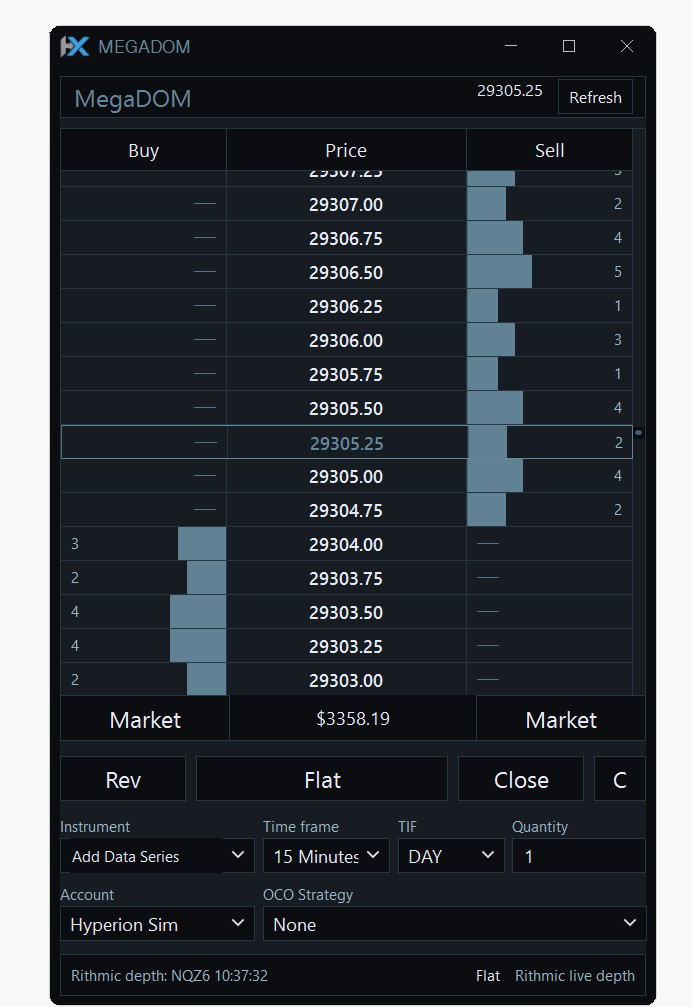
Market depth and order routing depend on your provider, instrument, account, and permissions.
Read the bid and ask sizes supplied by your connected provider, with the price ladder at the center of your view.
Use the available order controls alongside the ladder, with the selected instrument, account, and quantity in view.
Keep MegaDOM beside charts and other market-data windows so depth and broader price context stay connected.
Choose a supported provider and verify that depth is available for the instrument you want to follow.
Select the instrument and arrange MegaDOM beside the charts that inform your trading workflow.
Select LocalPaper to explore order entry and account behavior before using a live account.
No. The number of levels, size aggregation, update frequency, and other available fields vary by provider and instrument.
Not automatically. Data and order routing are separate capabilities. The account and provider must support the order action you want to use.
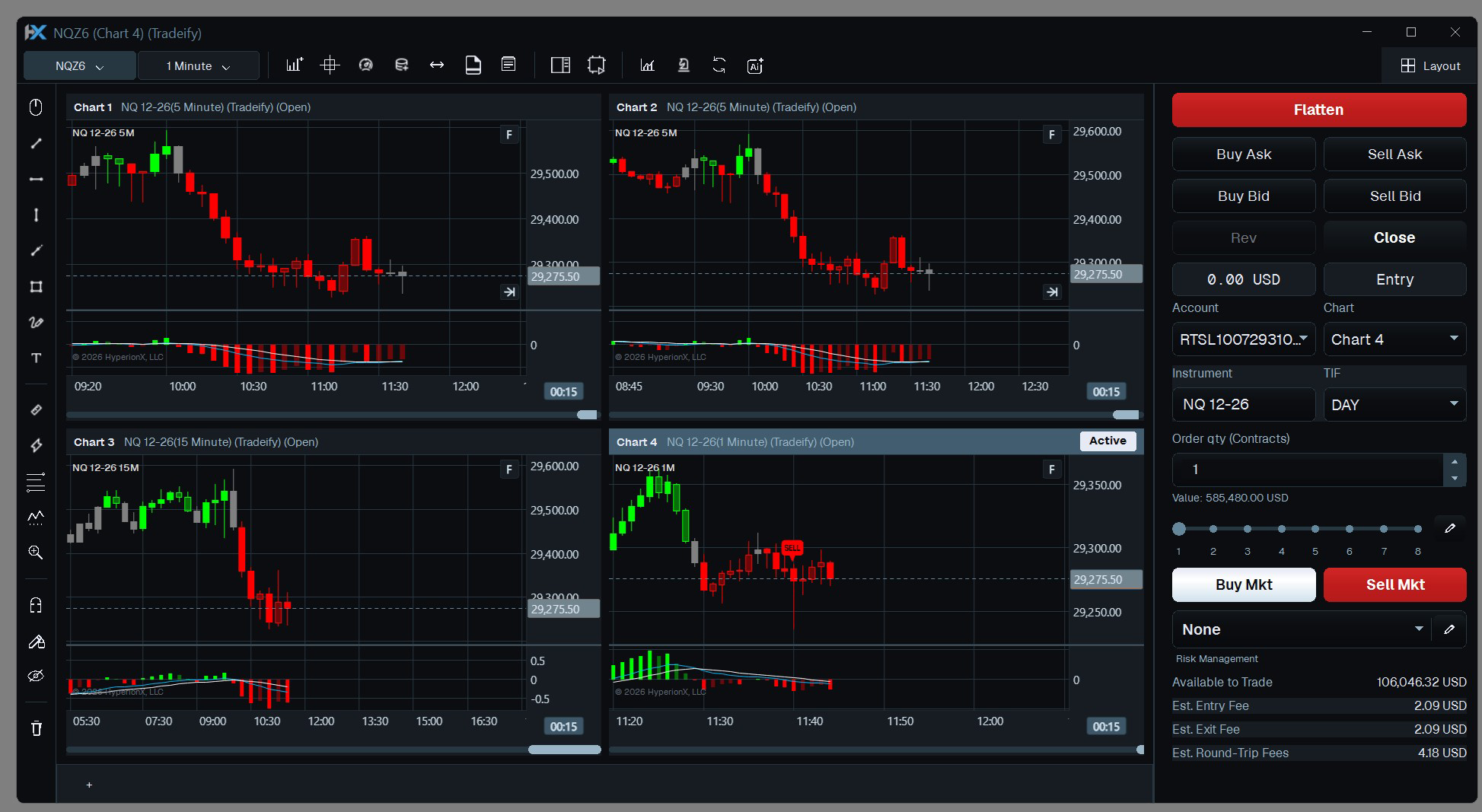
Keep your markets, timeframes, indicators, and execution tools together. Build a chart layout around the way you read the market.
Explore Multi-chart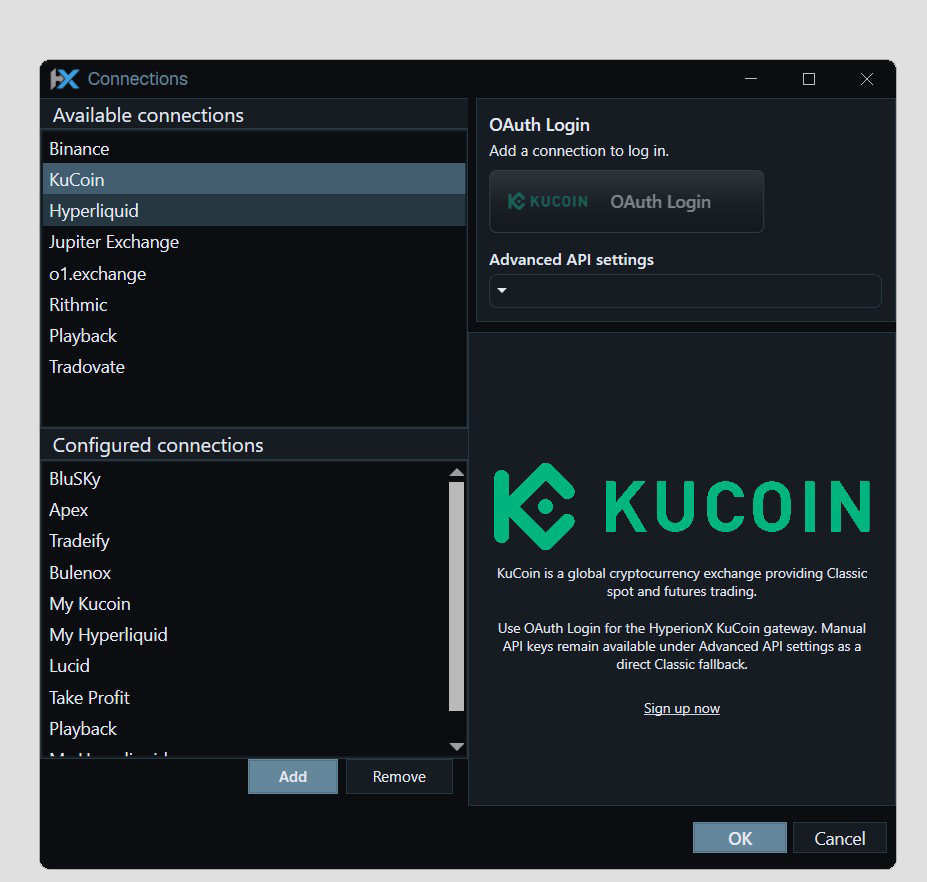
Bring supported futures and crypto data into HyperionX. Configure providers, inspect connection state, and choose the account for your workflow.
Explore Connections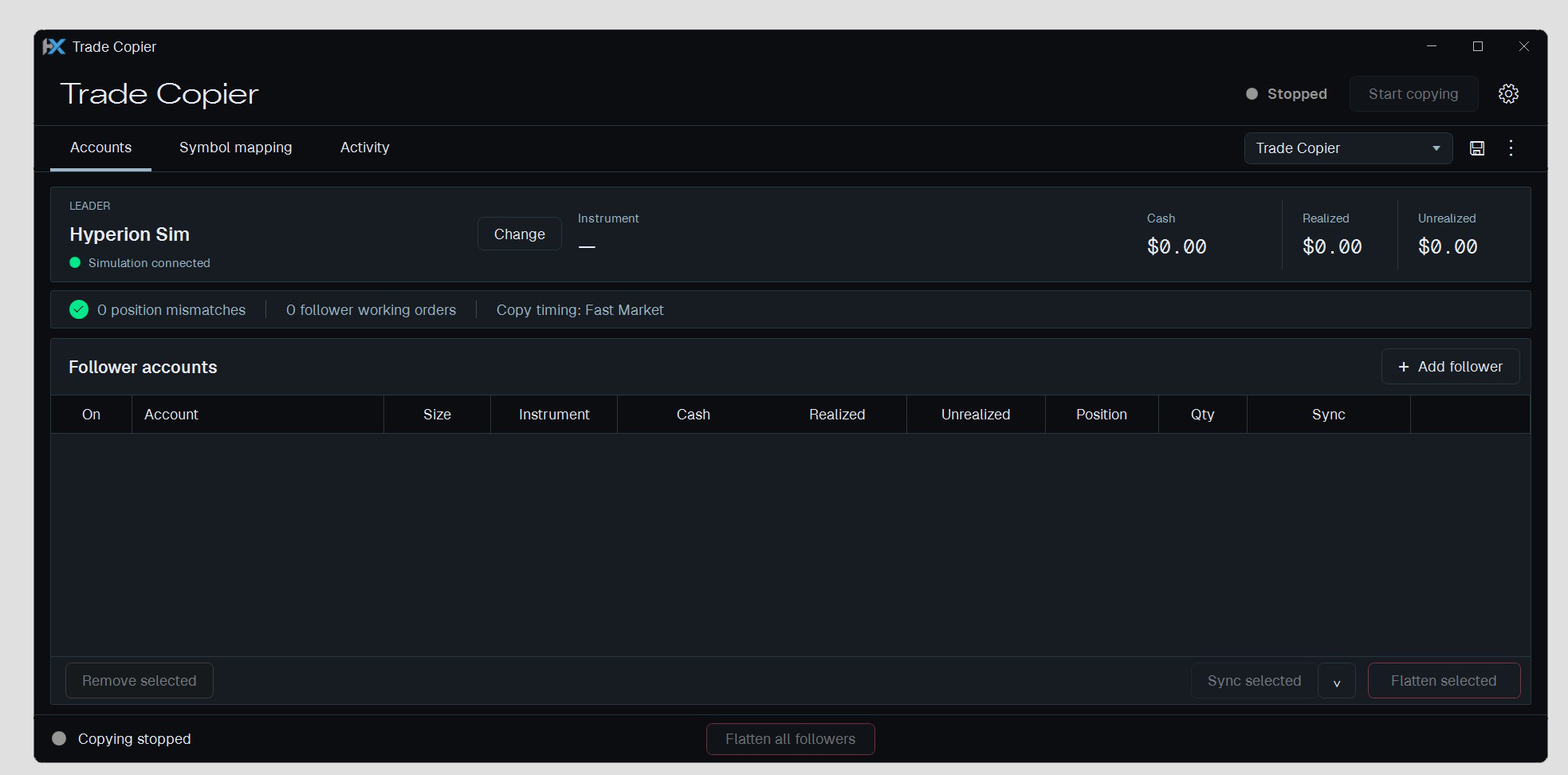
Configure a leader and follower accounts from the desktop. Keep symbol mapping, quantity conversion, and copying activity in one workspace.
Explore Trade CopierCharts, code, research, and execution. Find your flow in one Windows desktop platform.

We use essential browser storage and, with your permission, optional analytics and CRM live chat. Visit our Cookie Policy for more info.