Start with a template
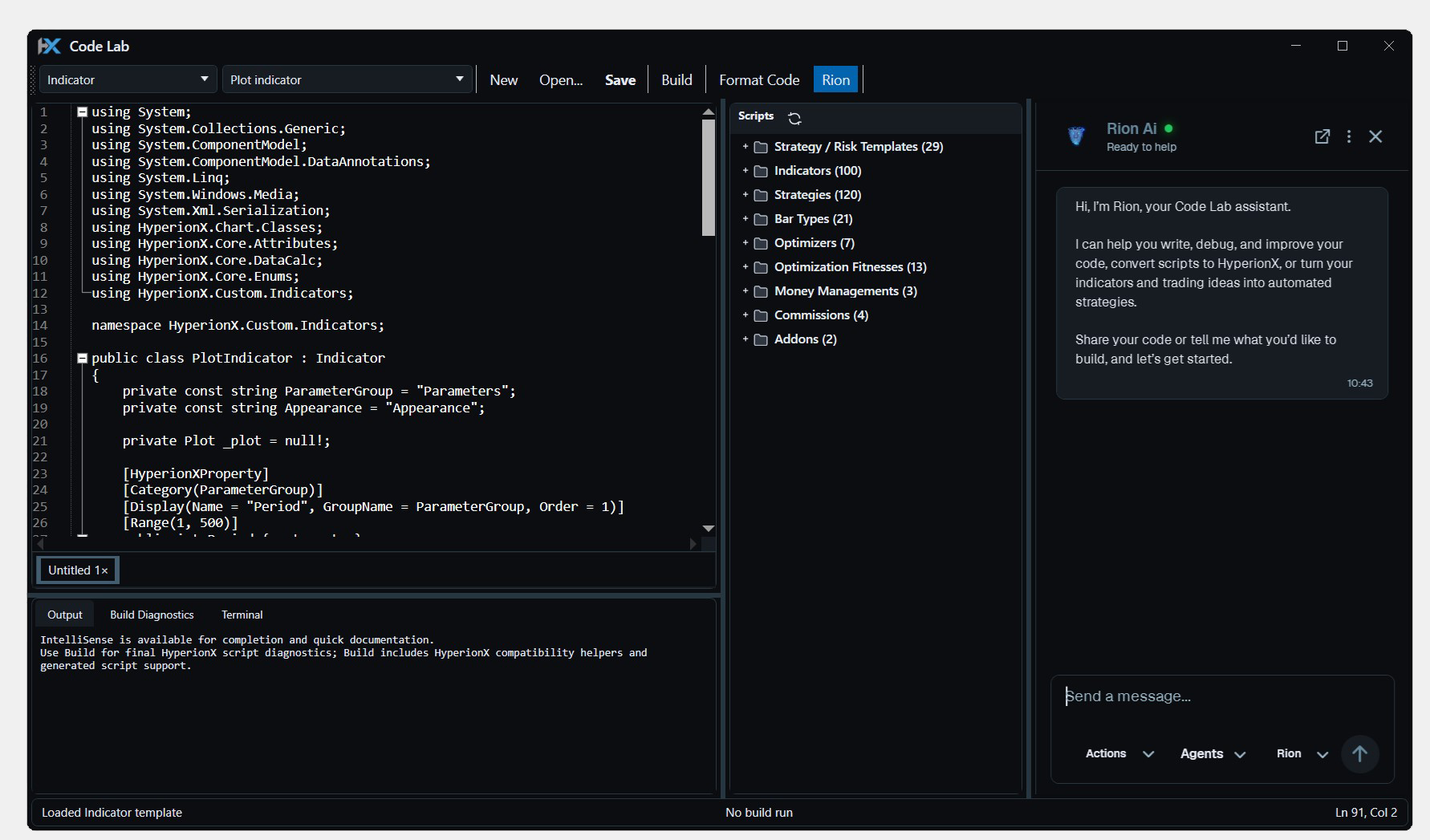
Create an indicator, strategy, or another supported extension type, and build from the platform's C# authoring model.
Write, compile, and test C# indicators and strategies inside HyperionX. Build custom tools where you already chart, research, and trade.
Third-party scripts may need adaptation to HyperionX APIs and permission to modify their source.
Create an indicator, strategy, or another supported extension type, and build from the platform's C# authoring model.
Use IntelliSense and compiler feedback while developing your script. Bring Rion into the workflow when you want help reviewing or explaining code.
Compile your custom project, load a fresh instance, and check the result in a chart or the relevant research window.
Open Code Lab, select an extension type, and start with a built-in template.
Add parameters, calculations, and behavior using the supported HyperionX APIs.
Build the project and load your script. Test order-capable logic in simulation before considering live use.
The core platform works without code. Code Lab is for custom extensions; templates, compiler feedback, developer guides, and AI assistance can help you learn the C# workflow.
You can adapt source code you own or have permission to modify. HyperionX has its own APIs, so dependencies and platform-specific calls may need changes. Unchanged compatibility is not guaranteed.
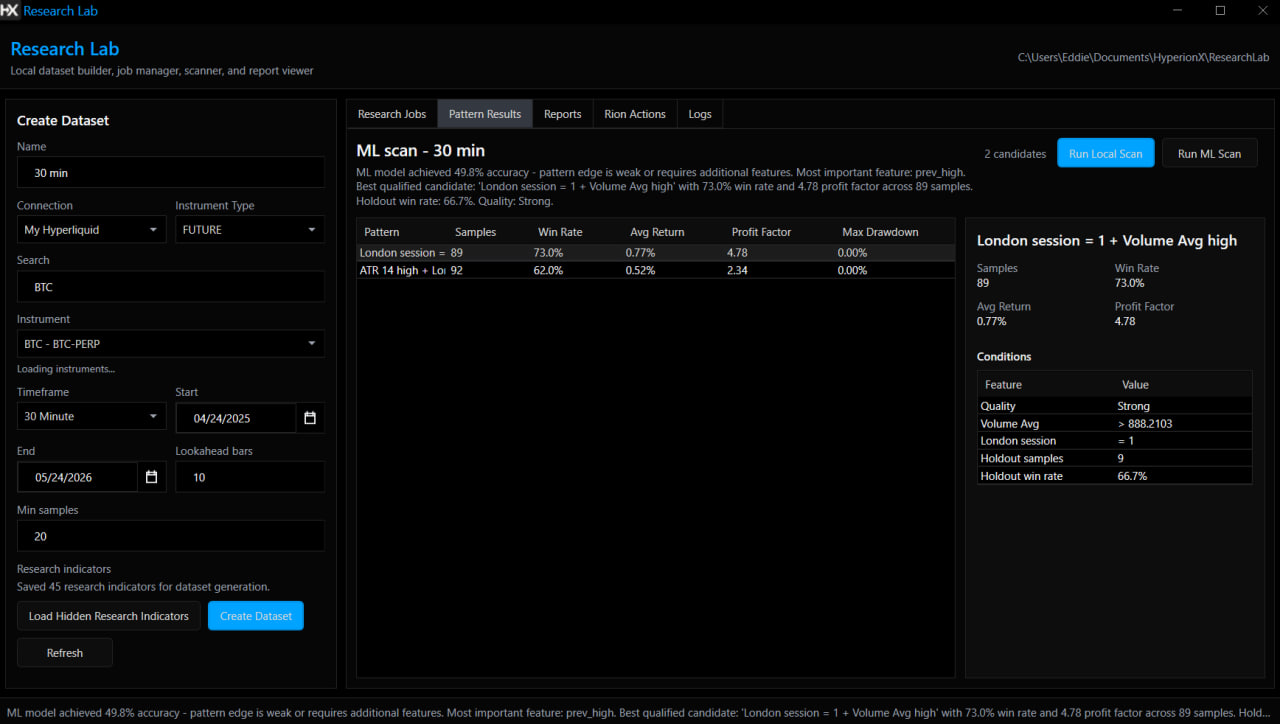
Backtest strategy logic, validate its behavior, and explore parameters before deciding what belongs in your trading workflow.
Explore Strategy testing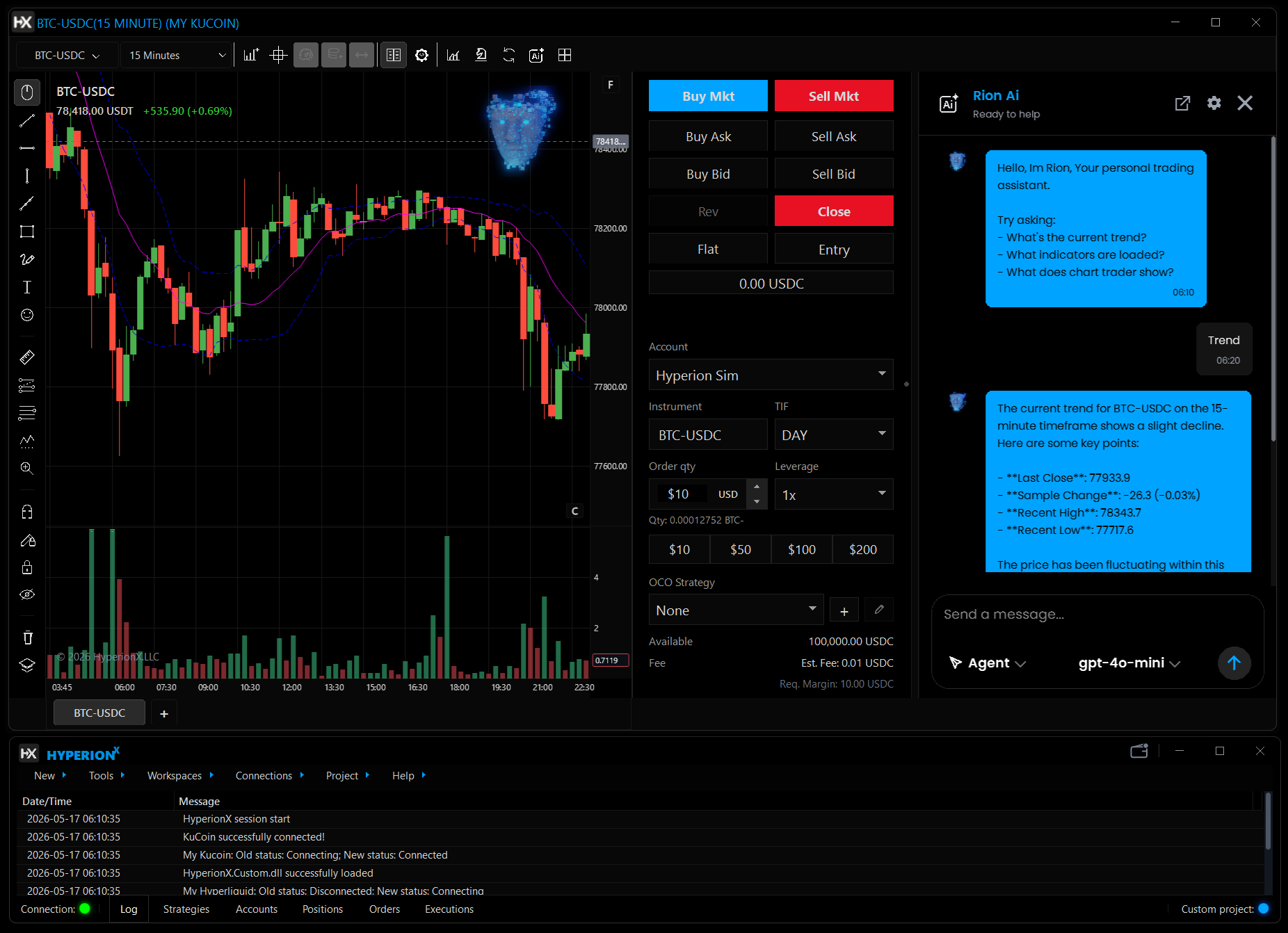
Talk through market context, indicators, and script ideas with Rion inside HyperionX. Keep the conversation beside the chart you are working on.
Explore Rion AI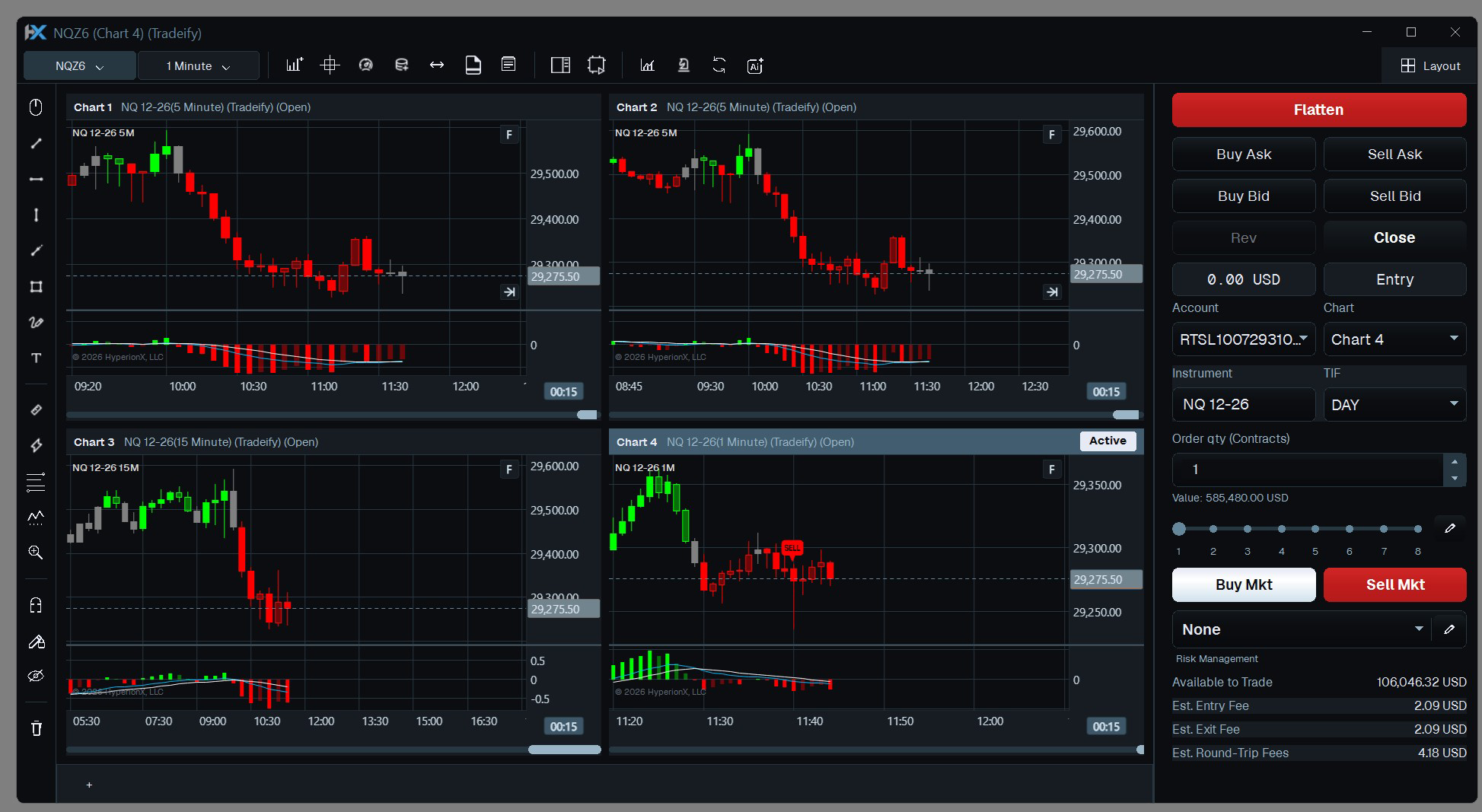
Keep your markets, timeframes, indicators, and execution tools together. Build a chart layout around the way you read the market.
Explore Multi-chartCharts, code, research, and execution. Find your flow in one Windows desktop platform.

We use essential browser storage and, with your permission, optional analytics and CRM live chat. Visit our Cookie Policy for more info.