Shape your dataset
Choose an instrument, timeframe, historical range, and feature configuration. Review the generated columns and target labels before comparing results.
Build feature datasets, run supported research jobs, and compare reports inside the trading desktop. Keep your experiments close to the strategies they inform.
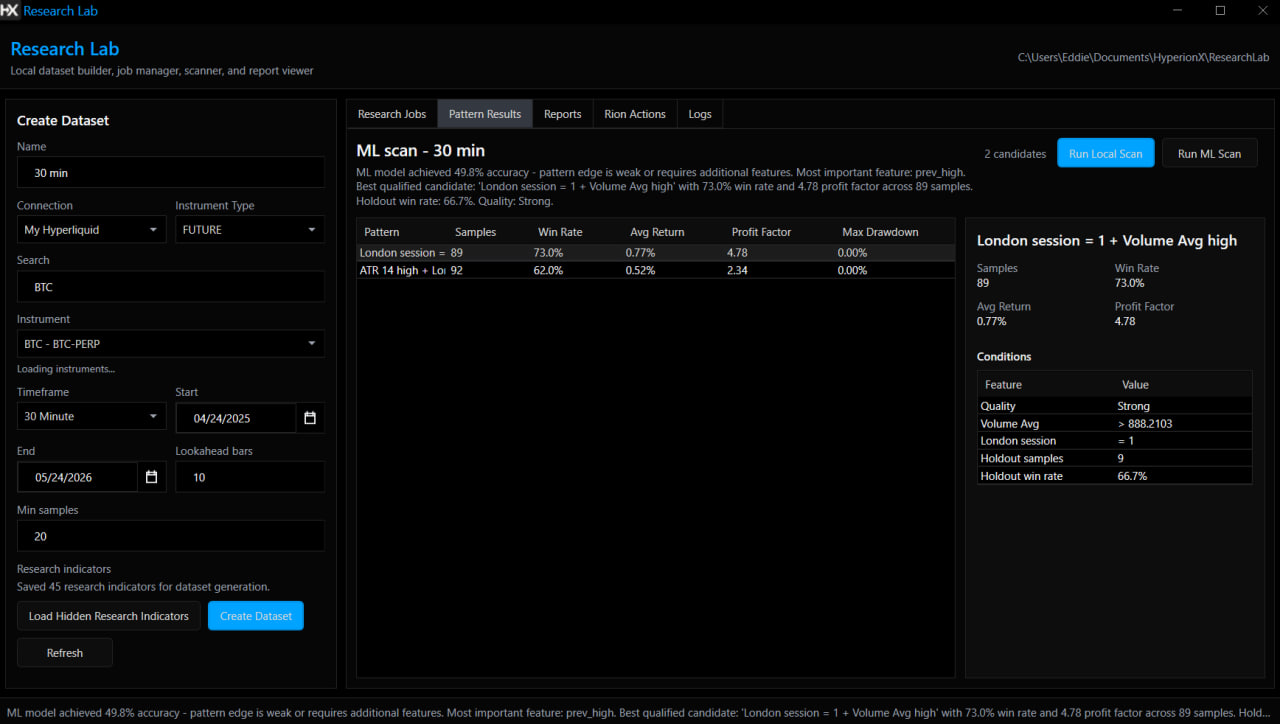
Research Lab is Preview. Availability depends on your license, installed release, and research runtime.
Choose an instrument, timeframe, historical range, and feature configuration. Review the generated columns and target labels before comparing results.
Use the managed Python runtime for supported local research, or a cloud-assisted workflow when it is available and you have reviewed its data flow.
Review reports and preserve the configuration behind each run. Take selected findings into strategy development and validation.
Choose your market, range, features, and labels with the research question in mind.
Verify the research runtime, start a supported job, and review the output and any omitted features.
Save your dataset configuration and reports, then test the resulting strategy idea through the validation workflow.
Supported local jobs run through the managed Python environment. Cloud-assisted jobs have a separate data flow; review that workflow before sending a dataset.
No. Results depend on data, labels, assumptions, and validation. Research output needs independent review and further testing.
Backtest strategy logic, validate its behavior, and explore parameters before deciding what belongs in your trading workflow.
Explore Strategy testing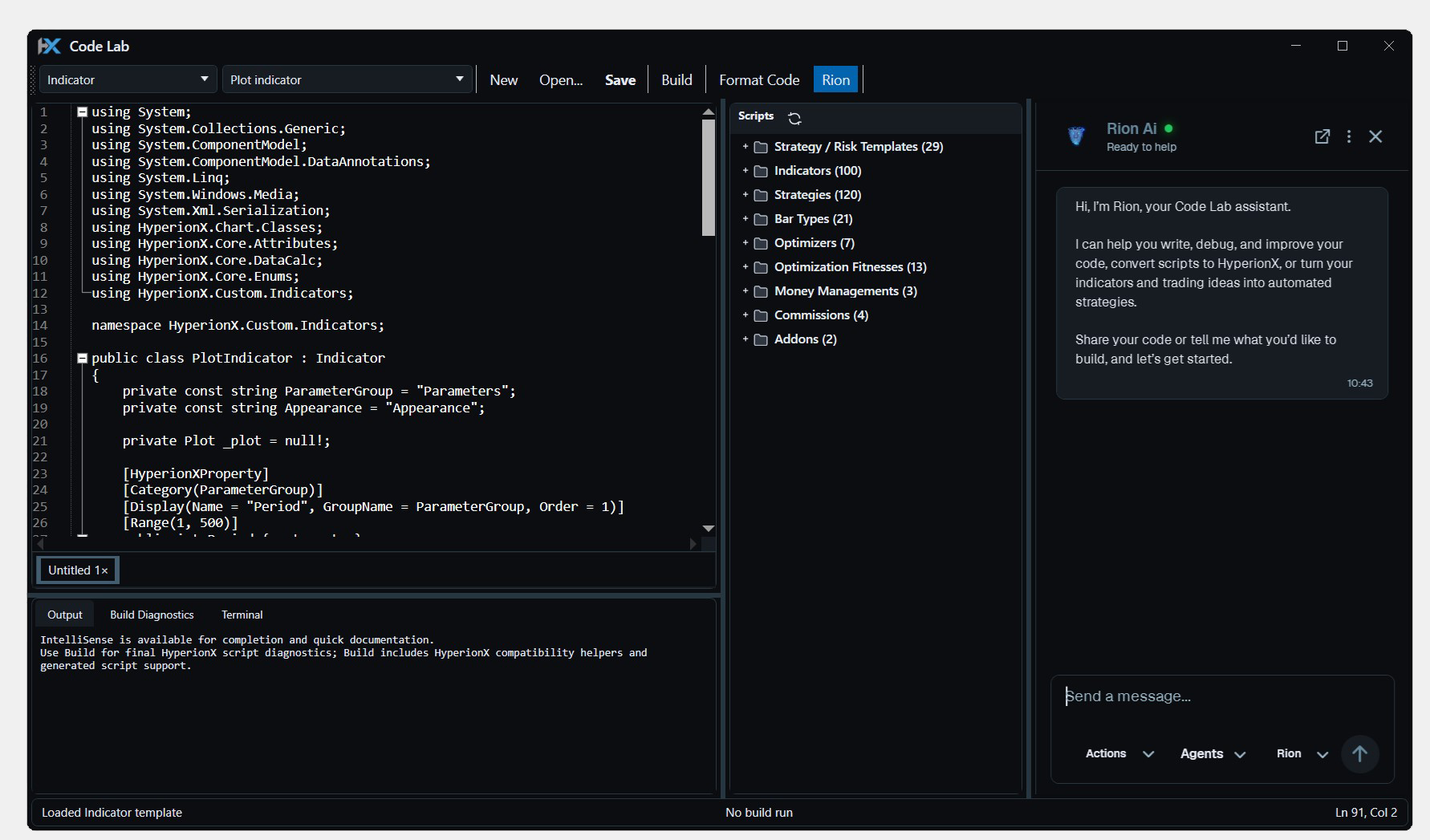
Write, compile, and test C# indicators and strategies inside HyperionX. Build custom tools where you already chart, research, and trade.
Explore Code Lab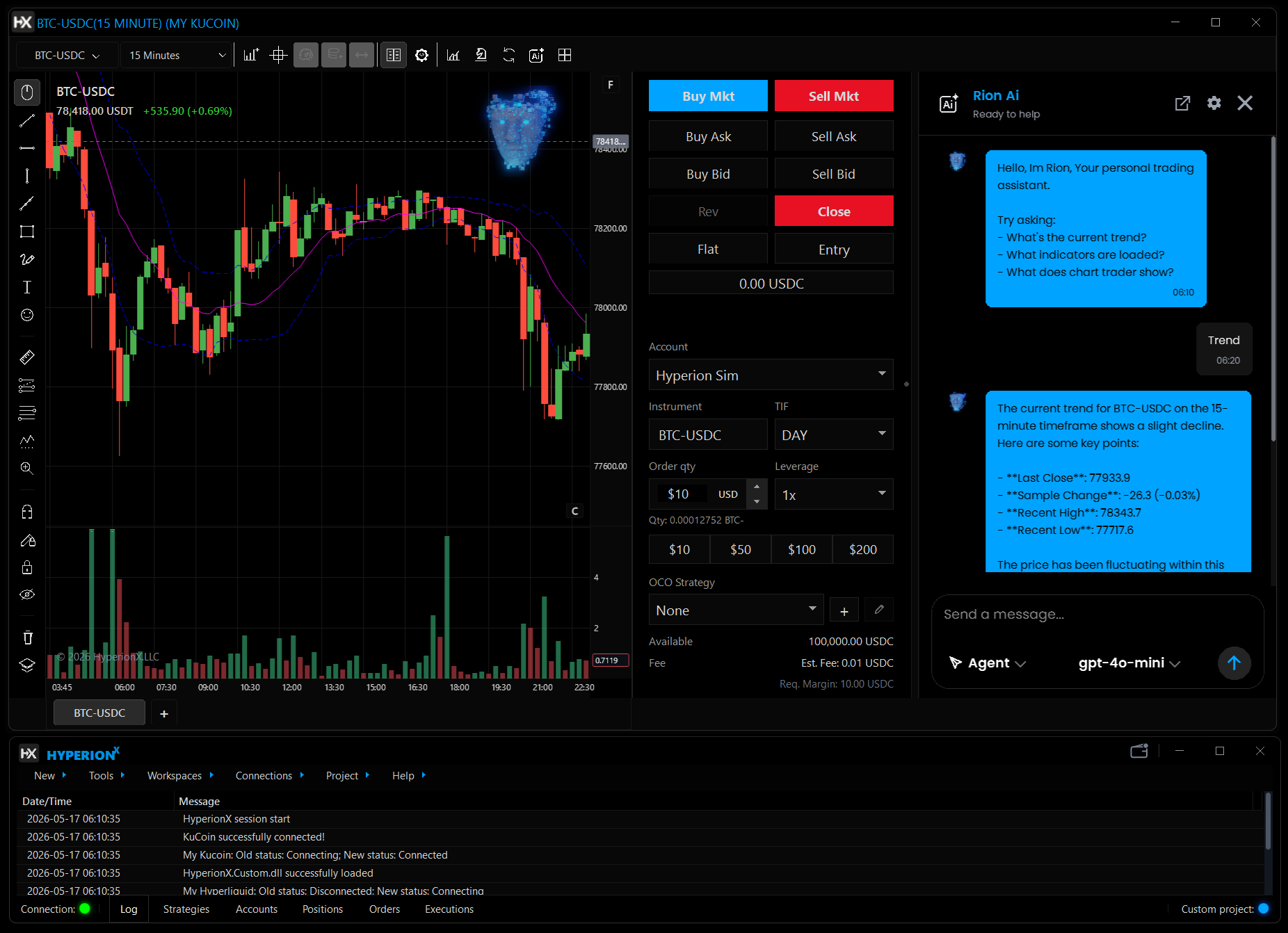
Talk through market context, indicators, and script ideas with Rion inside HyperionX. Keep the conversation beside the chart you are working on.
Explore Rion AICharts, code, research, and execution. Find your flow in one Windows desktop platform.

We use essential browser storage and, with your permission, optional analytics and CRM live chat. Visit our Cookie Policy for more info.